AI Assistants in Healthcare Mobile Apps: What Works and How to Develop

Slava Khristich



Vlad Nazarov

Looking for a concise playbook for custom AI-powered mHealth app development? This article maps where AI adds real value in mobile health—patient engagement, telehealth, RPM, benefits Q&A—and shows how to design copilot-style UX, wire secure data flows, choose model platforms, and ship an MVP with realistic timelines and costs.
Mobile is where patients and clinicians cooperatively act: reading results, messaging staff, paying bills, and logging symptoms between visits. That makes smartphones the most practical surface for Custom AI-powered mHealth app development—you meet users where they already are. In the U.S., smartphone access is effectively universal: 91% of adults own a smartphone, which gives healthcare apps a massive potential audience.
Adoption of digital health tools keeps rising. More than three in four individuals were offered online access to their medical records in 2024, and 57% used an app to view those records—up from 38% in 2020. At the same time, the app landscape is deep and varied: about 337,000 digital health apps are now available worldwide, with more disease-specific options entering the market and a growing cohort of digital therapeutics in the U.S.
Why bring AI into the picture? Because AI can triage messages, summarize long threads, flag risky vitals, pre-fill forms from photos, and explain benefits in plain language. In short, AI-driven custom healthcare mobile app development services turn raw streams of data into timely, actionable nudges for both patients and care teams. The rest of this guide shows where AI fits, how to integrate it cleanly, and what a realistic delivery plan looks like.
Why TATEEDA is qualified to talk about AI in mHealth app development
Our San Diego custom healthcare software development company has shipped production-grade AI features in mobile health at scale. For AYA Healthcare, one of the largest clinician staffing organizations in the U.S., our team delivered patient and clinician apps with AI assistants for intake, messaging, scheduling, and claims. This work sits squarely in custom AI-powered mHealth app development, where mobile UX, clinical context, and payer logic must align.
The stack matches mobile-first reality: Flutter or React Native on the client; on-device inference for transcription and camera guidance via Core ML, ML Kit, or NNAPI; cloud inference for reasoning and summarization through Azure OpenAI, the OpenAI API, or Google Vertex AI. Clinical and revenue data flow through FHIR R4 resources (Patient, Appointment, Coverage, Claim, ExplanationOfBenefit), HL7 v2 events, and X12 transactions for eligibility, claim status, claims, and remittance. Identity uses OIDC and OAuth 2.0 with PKCE on mobile; a consent ledger and immutable audit logs support HIPAA requirements.
Beyond that flagship build, we deliver modern mHealth app trends and capabilities that matter in day-to-day operations:
- Secure two-way messaging with triage: NLP separates clinical and administrative threads, while summarization drafts staff replies for review.
- Rules-aware self-scheduling with waitlists: Eligibility checks and prerequisites run at booking; the assistant explains benefits in plain language.
- AI-assisted intake and document capture: OCR extracts fields from IDs and prior-authorization packets, with confidence scores that trigger human review.
- Price transparency and payments: Itemized estimates, plan selectors, and nudges aligned to payroll cycles reduce friction.
Our approach is governed and testable: versioned models, drift monitoring, redaction and scoped tokens to limit PHI exposure, sandboxed integrations, and evaluation sets that measure accuracy and latency. The result is practical—faster intake, fewer no-shows, cleaner claims, and patient interactions that feel clear rather than complex.
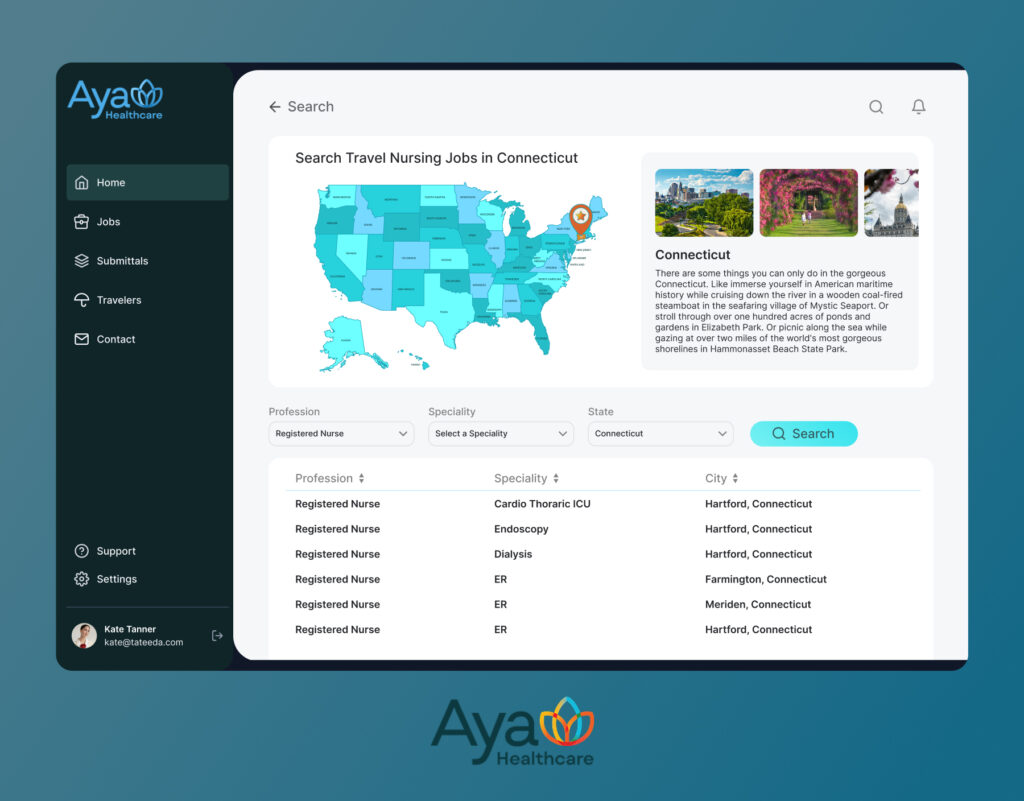
Table of Contents
9 mHealth App Types Where AI Makes a Real Difference
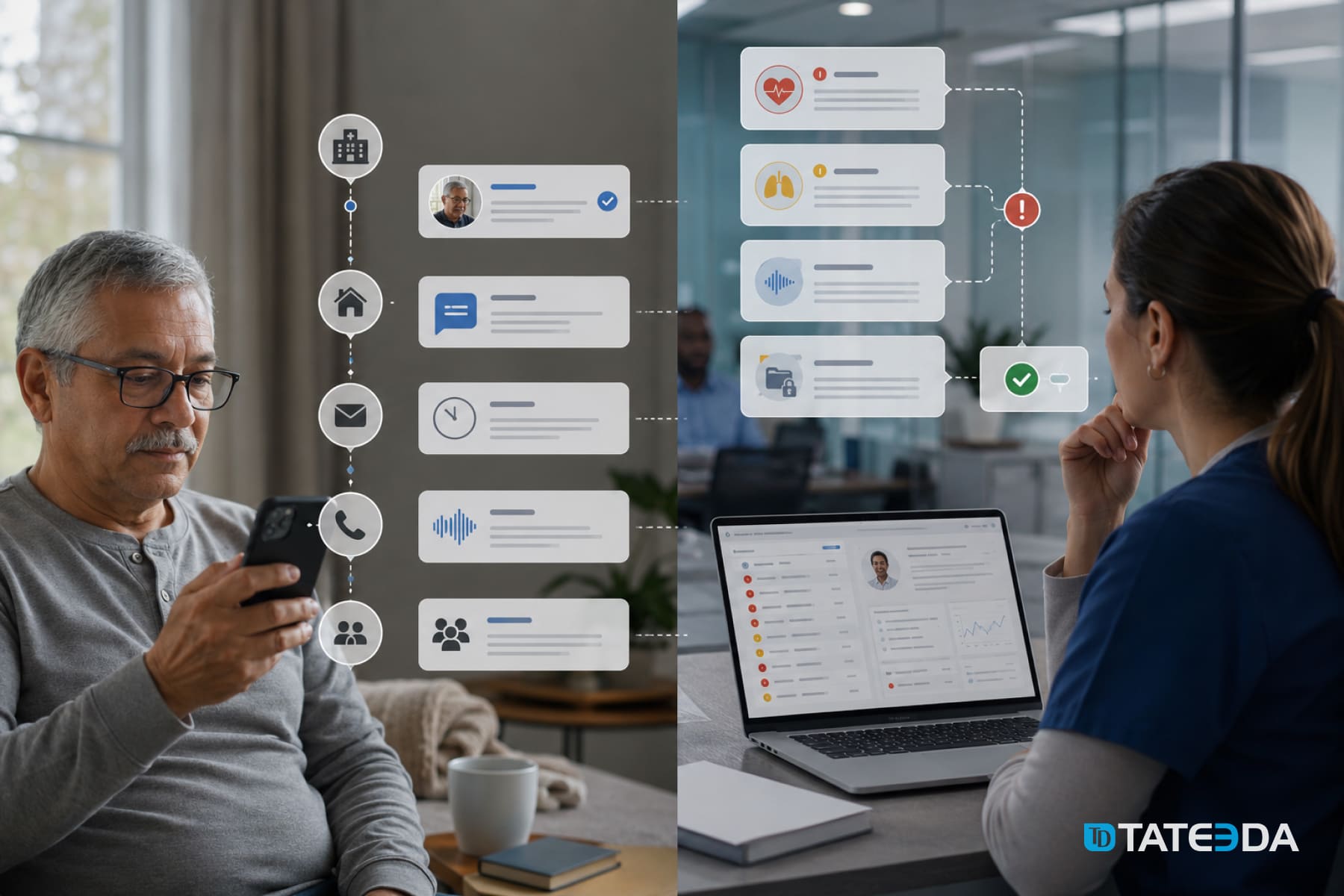
- Patient engagement applications: AI turns static portals into AI-powered patient engagement mHealth solutions: draft replies, surface next steps after lab results, and propose self-care content matched to diagnosis and reading level. Chatbot triage routes clinical versus administrative questions to the right team with priority rules.
- Patient and clinician portals: Portals become collaborative spaces when agents summarize threads, pull key facts from PDFs, and assemble visit prep checklists. This is a prime venue for AI-enabled mHealth app development solutions that reduce clicks for staff and give patients clearer guidance.
- Telehealth and virtual care: During video visits, AI can capture structured SOAP elements, draft visit summaries for clinician edits, and queue up orders or referrals. Post-visit, agents generate individualized instructions and schedule follow-ups—strong use cases for custom telemedicine software development services with AI.
- Rehabilitation management apps: On-device vision models guide home exercises, count reps, score range of motion, and flag unsafe form while keeping video local for privacy. Agents personalize plans from therapist goals and prior outcomes, then adapt difficulty after each session and nudge adherence with schedule-aware reminders. Clinicians review progress dashboards and annotated clips inside the portal, which aligns with AI-enhanced mobile health app development solutions for recovery care.
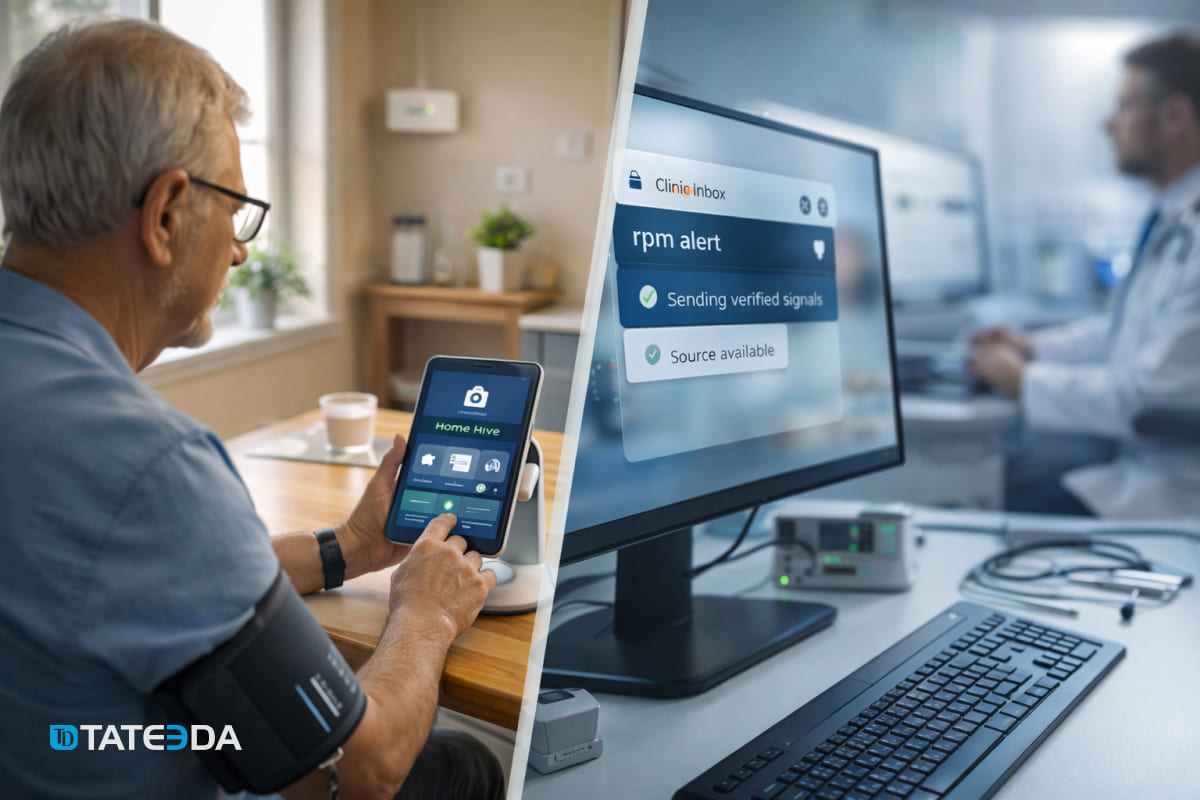
- Remote patient monitoring (RPM): Wearable and home-device feeds are noisy. Models can smooth readings, detect trends, and escalate only when thresholds and context suggest risk. Alerts land in clinician queues with an explanation, not just a value spike, which fits AI-first custom mHealth application development.
- Medication adherence and education: Computer vision confirms pill counts; NLP translates instructions into plain language; agents nudge refills at the right time and escalate adherence risks. This sits well inside healthcare mobile app development services with AI focused on chronic disease.
- Care navigation and benefits: Eligibility questions, prior-auth prerequisites, and EOB deciphering drain staff time. AI assistants answer “what’s covered,” gather needed artifacts, and prepare payer-ready packets—an anchor for AI-based healthcare mobile solutions and services.
- Wellness, prevention, and behavioral health: Models personalize goals, rephrase coach messages to user tone, and detect drift in mood or activity. When appropriate, agents propose check-ins or connect users to human support. These are classic AI-enhanced mobile health app development solutions.
- Imaging and diagnostics capture (patient-side): For narrow use cases—wound photos, rash tracking, at-home test strips—on-device models can guide image quality and flag concerning changes for clinician review. This complements custom AI assistant development services for mHealth, provided clinical governance and disclaimers are in place.

How AI Fits Inside a Mobile Health App: UX, Data, and Architecture
Good AI feels like a copilot, not a pop-up. In the UI, place an assistant button where users already act: message composer, results screen, and billing view. Keep agent replies editable by clinicians where clinical risk exists; log provenance and provide “show your work” snippets for trust. For patients, declare what the assistant can and cannot do, then offer a one-tap route to a human.
Under the hood, separate concerns. The app talks to your API layer; the API calls task-specific AI services (e.g., summarization, OCR, entity extraction) via a broker that strips identifiers, applies guardrails, and caches safe results. Use on-device inference for latency-sensitive or offline flows; use cloud inference when you need larger models or audit trails. Sync with your EHR/RCM through FHIR, HL7 v2, and clearinghouse endpoints, then store AI outputs alongside human edits for accountability. This integration pattern aligns with modern custom EHR software development services.
“Treat AI like a set of small, bounded services. Each has a clear input, a clear output, and an owner. That’s how you keep quality high and surprises low.”
— Slava K., CEO, TATEEDA
Summary table: where AI lives in the stack
| Layer | What AI does | Notes |
|---|---|---|
| Client (mobile) | On-device transcription, camera guidance, basic intent detection | Great for privacy and latency; fall back to cloud when needed |
| API gateway | Auth, rate limits, PII scrubbing, annotation of context | Central place to enforce HIPAA controls and scopes |
| AI broker/service | Keep mapping/versioning here so the app stays stable | Swap providers without touching app code |
| Core services | Routes tasks to models, retries, caching, and safety filters | Persist final, human-approved artifacts with audit |
| Integration adapters | FHIR/HL7/X12 connectors | Keep mapping/versioning here so app stays stable |
Platforms to consider: Azure OpenAI or OpenAI API for language tasks; Google Vertex AI or AWS Bedrock for managed governance; Amazon Textract, Azure Form Recognizer, or Google Document AI for OCR; Keycloak or cloud IAM for identity. Keep BAAs in place and limit PHI exposure with field-level redaction and scoped tokens.
A Practical Plan to Add an AI Component to a Healthcare App
- Clarify the job to be done: Pick a single, painful workflow such as intake packet parsing, message triage, or benefits Q&A. Write down success metrics that a non-technical sponsor will accept: minutes saved per visit, first-contact resolution, or fewer escalations to the call center. Define what “done” means for an MVP so you can ship in 90 to 120 days.
- Choose the model path: Use on-device models for transcription, wake words, and camera guidance where latency and privacy matter. Use cloud models for reasoning, summarization, and retrieval-augmented Q&A that need larger context windows and auditability. Shortlist vendors that sign a BAA and expose regional controls, then document fallback behavior if a model is unavailable.
- Design the copilot UX: Place the assistant exactly where work happens: in the message composer, on the results screen, or inside the billing view. Make all AI outputs editable by clinicians when clinical risk exists, and show short “why this suggestion” snippets to build trust. Provide a one-tap handoff to a human, plus a clear statement of what the assistant can and cannot do.
- Map data contracts: Define strict request and response schemas for each AI task, including allowed fields and types. Redact or hash identifiers, tokenize member IDs, and attach only the minimal context window the model needs. Version these contracts so mobile and server teams can deploy independently without breaking calls.
- Build an AI broker service: Create a thin service that accepts task requests, calls the chosen model, applies safety filters, and returns normalized JSON. Add caching for deterministic tasks, rate limiting, retries with exponential backoff, and circuit breakers. This indirection lets you switch providers or models without touching mobile code.
- Wire the app and API: Implement mobile in Flutter or React Native and the portal in React or Angular. Expose clean endpoints such as
/ai/summarize,/ai/intake-ocr, and/ai/benefits-qna, each mapped to a broker task. Log correlation IDs from client to broker to downstream systems so you can trace every suggestion end-to-end. - Integrate with clinical and billing systems: Use FHIR for clinical artifacts like Patient, Appointment, Coverage, Claim, and ExplanationOfBenefit. Use HL7 v2 for event feeds, for example, ADT and ORM, and connect to clearinghouses for eligibility and remittance over X12 where applicable. Keep mappers and code lists versioned, write contract tests against sandbox endpoints, and treat this integration layer as the backbone for custom medical billing software development services.
- Security and compliance pass: Adopt OIDC with OAuth 2.0, SSO for staff, and PKCE on mobile. Encrypt in transit and at rest, keep secrets in a managed vault, and store immutable audit logs with timestamps, request hashes, and user identifiers. Minimize PHI sent to AI vendors, and document a clear data retention policy for prompts and outputs.
- Model evaluation and guards: Build a test set of real-world scenarios with ground-truth answers and acceptable ranges. Track hallucinations, redaction failures, and classification errors, and set confidence thresholds that trigger human review or require a user to confirm. Add safety rules for disallowed content, escalation paths, and automatic rollback if quality degrades.
- Pilot and measure: Roll out to one clinic, one specialty, or a limited patient cohort. Instrument the experience with event analytics and capture both quantitative KPIs and qualitative feedback from staff. Run a pre-post analysis over two to four weeks, then adjust prompts, thresholds, and UI placement.
- Scale and automate: Introduce background queues for heavy tasks, tune caches and timeouts, and add per-task cost counters so finance can see savings versus spend. Expand to additional journeys only after the first agent meets targets. Create reusable prompt templates and shared evaluation suites to speed subsequent agents.
- Staff the team effectively: Typical roles include a product manager, mobile engineer, web engineer, backend and API engineer, integration engineer with FHIR or HL7 or X12 expertise, AI or ML engineer, designer, QA automation, DevOps, and a security lead. For clinical safety, involve a clinician champion who reviews prompts, outputs, and escalation rules.
- Pick cloud and AI platforms you can support: On AWS, consider API Gateway, Lambda or ECS, RDS or Aurora, and Bedrock for model access. On Azure, consider API Management, Functions, Azure SQL, and Azure OpenAI. On GCP, consider Cloud Run, Cloud SQL, and Vertex AI. Choose the platform where your organization can sign a BAA and operate reliably.
- Plan time and budget transparently: A focused AI add-on that tackles one or two workflows typically ships in 10 to 14 weeks with a blended team in the low six figures. A broader module that includes intake, messaging, and benefits often requires 4 to 6 months at a higher budget. Treat these as ballpark figures, and invite a discovery workshop for precise estimates.
- Operate and improve: Monitor model drift, latency, error rates, and per-task cost. Rotate keys, refresh prompts, retrain or swap models as needed, and revisit KPIs quarterly. Keep a backlog for small improvements that staff request, because those micro-wins often produce the largest sustained gains.
Throughout, keep messaging aligned with your positioning: AI-enabled mHealth app development solutions for targeted workflows rather than a vague “AI layer.” This helps buyers connect features to outcomes and budget confidently.

Need Help Adding AI to a Healthcare App?
Since 2013, our U.S.-led team has built HIPAA-ready mobile solutions with EHR/RCM integrations.
What will an AI-enabled mHealth app cost today?
AI has changed the build math. Code copilots, test generators, and prefab OCR or NLP services reduce toil; cloud platforms ship HIPAA-eligible databases, identity, and logging. Result: a smaller team can ship faster while still meeting clinical, security, and audit needs.
For a focused MVP that adds one or two AI workflows to a mobile app, plan 8–12 weeks with a 4–6 person crew (product, mobile, backend, custom software integration services, AI, QA, or DevOps part-time). Typical scope: Flutter or React Native app, API layer, SSO, one assistant use case (e.g., intake OCR or message triage), plus basic EHR or RCM hookups. Ballpark cost: $70k–$150k with a blended U.S. plus nearshore model.
A broader release that spans intake, scheduling, secure messaging, benefits Q&A, and payments often runs 3–5 months at $180k–$350k. Larger multi-site builds with RPM and analytics may take 5–7 months with budgets around $350k–$700k. These are directional ranges; for precise numbers, schedule a short discovery.
Why the speedup and lower spend versus a few years ago:
- Mature AI APIs for summarization and extraction.
- Reusable prompts and evaluation sets that shorten iteration.
- Integration engines like Mirth Connect for HL7 and X12.
- FHIR servers such as HAPI for clean data contracts.
- Infrastructure as code for repeatable environments.
- Synthetic data that enables safer, faster testing.
You still need the right mix of people:
- Product manager to define scope and KPIs.
- Mobile engineer (Flutter or React Native).
- Backend or API engineer.
- Integration engineer with FHIR, HL7, or X12 experience.
- AI or ML engineer for model selection and evaluation.
- UI/UX designer.
- QA automation specialist.
- Security-minded DevOps lead.
With that crew and modern tooling, AI-enabled mHealth moves from aspiration to an attainable project.
Conclusion: Get Mobile App AI Integration Done!
AI in mHealth apps is practical, not hype. This article explained where assistants add value for patients and clinicians, which app types benefit most, how to design copilot UX, what an integration stack looks like with FHIR and HL7 plus secure APIs, and a realistic plan with teams, timelines, and costs. The core idea is simple: start with one workflow, wire AI as a small service, measure outcomes, then expand with confidence.
If you’re exploring an MVP or planning a broader rollout, TATEEDA can help with architecture, build, and integrations that match your budget and compliance goals. Let’s map your use cases, choose the right AI and cloud components, and ship something measurable. Contact TATEEDA to discuss your project and get a practical estimate.



![8 Medical Billing Automation Developers in California [2026]](https://tateeda.com/wp-content/uploads/2026/10/Cover.png)
